 Are you tired of hearing how "simple" it is to deploy apps with Docker Compose, because your experience is more one of frustration? Have you read countless blog posts and forum threads that promised to teach you how to deploy apps with Docker Compose, only for one or more essential steps to be missing, outdated, or broken?
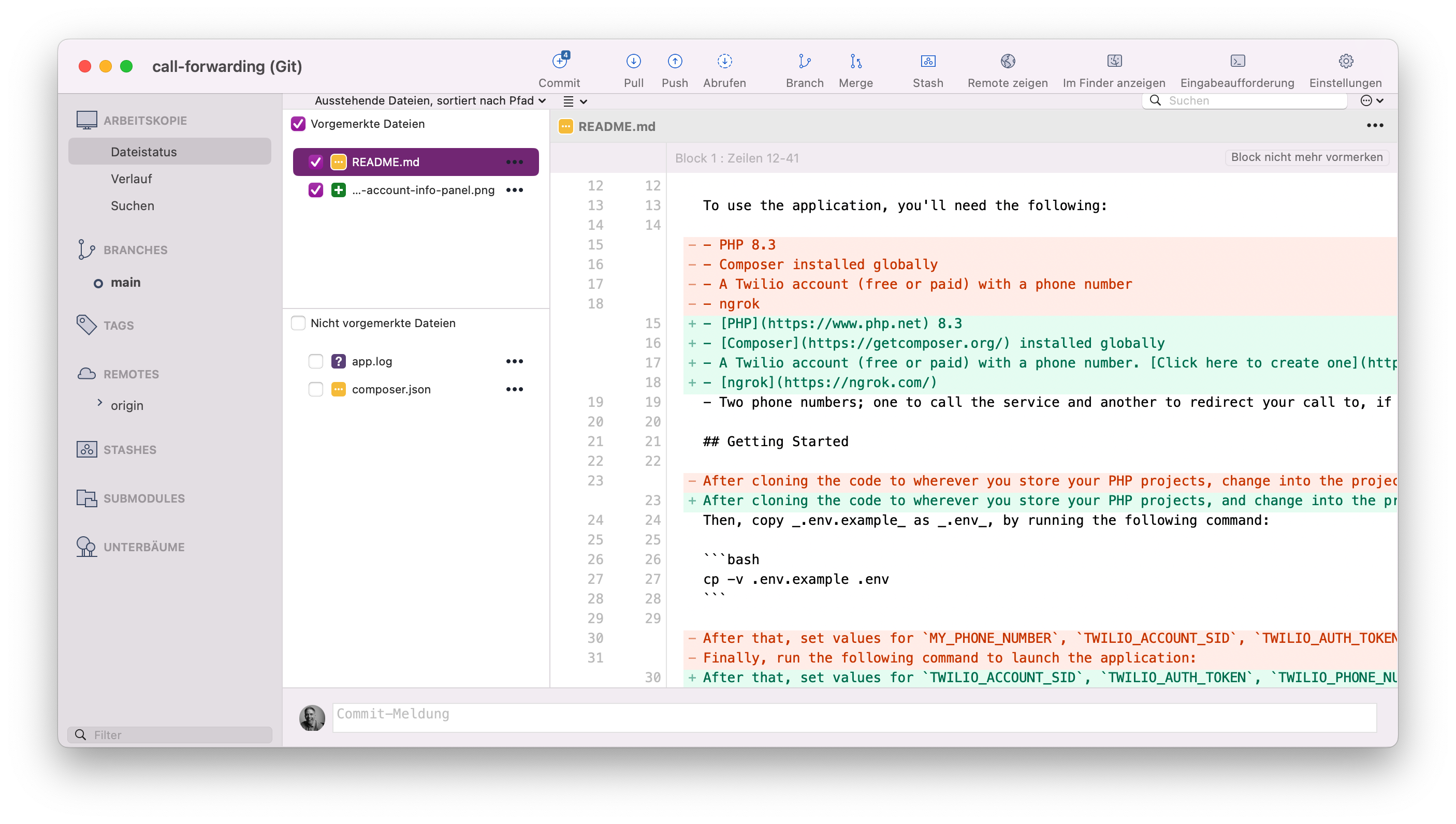
This might sound like a strange thing to say, so let me explain. Earlier this week, I sat down with the intention of creating a short video for my (much neglected) YouTube channel to show two things:
- The essentials of using SourceTree (my favourite Git GUI) to work with the Git index and staging area
- How using a GIT GUI can be (and often is) quicker and easier than using Git on the command line
I thought that it'd end up being a quick five to ten minute video, one that resoundingly showed that GUIs are just quicker for working with Git for when you're diffing changes and managing changes between the index and staging area.
If you're a proud advocate of the command-line, if you use it daily and use a GUI minimally, you may completely disagree with this premise. You may even want to yell at me. But, over the years, I've felt that a GUI can often be quicker and easier - especially when you're in a hurry, you're tired, or you're stressed.
For the record, I say this as a proud command-line user of many years. What's more, when I refer to Git on the command line, I'm talking only about Git-specific commands. I'm not talking about Git command-line UIs, such as LazyGit or GitUI.
Anyway, back to the video. It started out well. For the project's Git repository, I used a PHP project that I've been working on for an upcoming Twilio tutorial named php-ivr.
I'd been working on some changes to the code, so felt that it would provide an excellent, real-world example to demonstrate the points I was making.
Most of the files that had been updated were in a directory named test/data/menu. Here's a simple tree view of that directory, if you're interested:
test/data
└── menu
    ├── choose-department-menu.xml
    ├── choose-insurance-category-menu.xml
    ├── choose-insurance-type-menu.xml
    ├── choose-language-menu.xml
    ├── choose-new-or-existing-policy-menu.xml
    ├── choose-pre-transfer-confirmation-menu.xml
    ├── get-text-copy-of-conversation-menu.xml
    ├── pre-transfer-confirmation-menu.xml
    ├── provide-personal-details-menu.xml
    ├── provide-policy-number-menu.xml
    ├── talk-to-customer-service-rep-redirection-menu.xml
    └── thank-you-goodbye-menu.xml
You can see that they're all XML files, based on the file extensions.
I started by showing how to diff the changes in SourceTree, starting off with a single file, such as test/data/menu/choose-department-menu.xml. Then, I showed how SourceTree builds up an ever larger diff, the more files that you select, by selecting several files in test/data/menu that start with "choose-".
From there, I showed how SourceTree doesn't care if the diff comes from a non-contiguous file selection, by selecting choose-insurance-type-menu.xml, choose-language-menu.xml, provide-personal-details-menu.xml, and talk-to-customer-service-rep-redirection-menu.xml.
Wanting to be fair to the command line, and assuming that I was correct in thinking that SourceTree was far quicker to build up a diff than on the command-line, I swapped to the terminal and started to replicate the range of diffs that I'd created.
To my (very) pleasant surprise, I was able to create the same diffs on the command-line almost as quickly. For example, to diff the changes in test/data/menu/choose-language-menu.xml, I ran the following command:
git diff data/menus/choose-language-menu.xml
Then, to diff the files starting with "choose-", I ran the following command:
git diff data/menus/choose-*.xml
If you're not familiar with the UNIX/Linux command line, the above command does two things:
Firstly, the shell (if it supports [glob pathnames], which both the Zsh and Bash shells, which I use on a regular basis, do) creates a list of files that match the expression "data/menus/choose-*.xml". This expression evaluations as all of the files in the data/menus directory that start with "choose-" and end with the ".xml". There are four that match that criteria:
- choose-department-menu.xml
- choose-insurance-category-menu.xml
- choose-insurance-type-menu.xml
- choose-language-menu.xml
- choose-new-or-existing-policy-menu.xml
Secondly, it passes that list of files to git diff. So, the earlier command is the same as having run the following, much longer, command:
git diff choose-department-menu.xml choose-insurance-category-menu.xml choose-insurance-type-menu.xml choose-language-menu.xml choose-new-or-existing-policy-menu.xml
If you've not used them yet, glob pathnames can save you loads of time and effort when working with files!
At this point, I was feeling good. So, I tried to match the non-contiguous file selection. This, to be fair, took a little longer, but not too much.
What I came up with was the following:
git diff data/menus/{choose-,pr}*.xml
This command creates the same file list as before, plus all files in the data/menus directory starting with "pr" and ending with ".xml". Again, this was not as quick as using a mouse or trackpad, but close. What's more, the diff looked virtually identical!
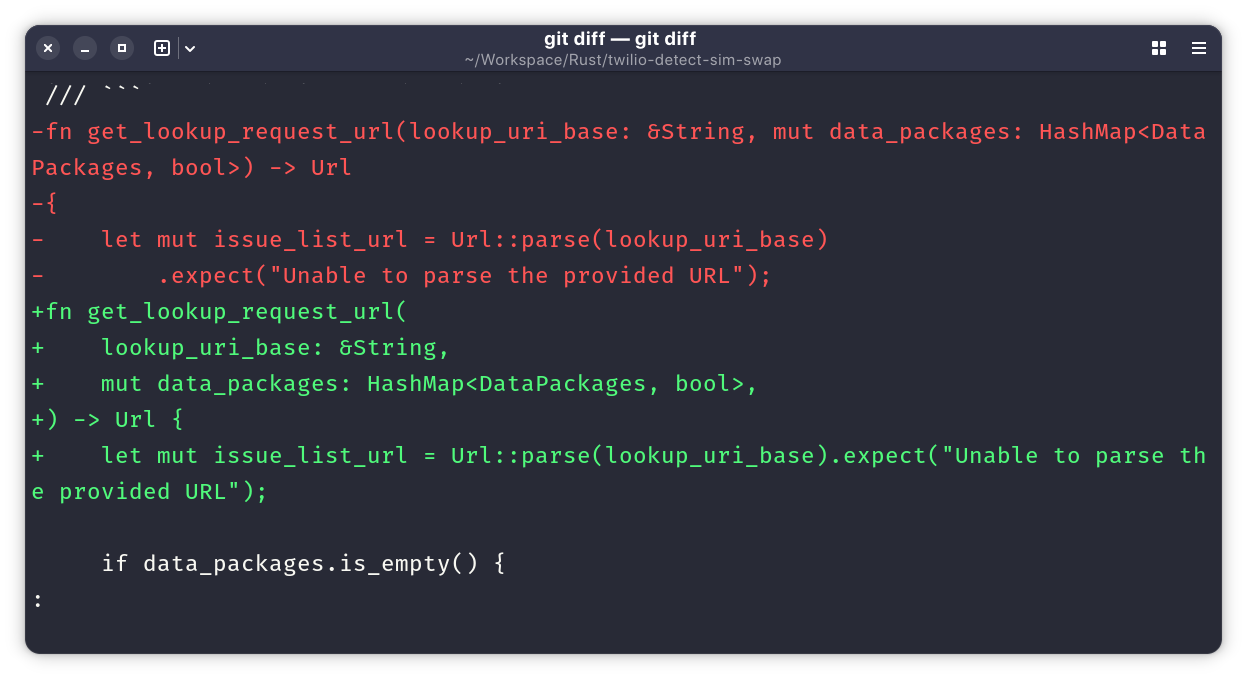
Sure, the screenshot above is from a different project, but it gives you an idea of how it looks.
I did have to give a little bit of thought to globs to select just the list of files that I wanted to diff, and writing was a little slower than pointing and clicking, even as a touch-typist, but not too much.
So, so far, so very good. However, from this point on, the speed and efficiency between both approaches started to noticeably diverge.
Which is easier to move changes between the index and staging area?
At this point, I showed how easy it is to move changes between the index and staging area. I started off moving some lines from some files, then some hunks from some files, and then a group of non-contiguous files between the index and staging area. Understandably, it was a point, select, and click affair with SourceTree.
But, on the command-line, I was nowhere near as quick. There may be a quicker way. If so, please let me know.
The way I attempted to do so was with git add's patch and update functionality, such as by using the command below.
git add -up data/menus/{choose-,pr}*.xml
If you're not familiar with the add command's options -p:
Interactively choose hunks of patch between the index and the work tree and add them to the index. This gives the user a chance to review the difference before adding modified contents to the index.
And -u:
Update the index just where it already has an entry matching
. This removes as well as modifies index entries to match the working tree, but adds no new files.
So, it allows you to review changes and choose whether you want to add them or not. You have all of the functionality of the command line, in that you can choose to stage an entire file, a hunk, a line or two, or nothing at all. In that respect, there is feature parity.
However, git add, regardless of the number of changed files, only lets you review and stage changes in one file at a time, only ever moving forward through the list of files. You can't come back to an earlier file later on, if you remembered there was another change that you wanted to add. SourceTree, by contrast, lets you scroll forward and back through the file selection as much as you'd like.
This GUI advantage is extended further when you consider that git add only lets you stage changes. To unstage changes, because you accidentally added a change that you shouldn't have, you need to use git restore. With SourceTree, you only need to select the staged files and unstage one or more changes. Add in reverse, if you will.
To me, in this respect, a GUI is far more efficient. If you don't believe me, give it a try and let me know how you get on.
That's why, for managing changes it's better to use Git with a GUI
Cutting a long story short, while Git on the command line is, in many respects more efficient than in a GUI (such as being scriptable, for example) when it comes to staging and unstaging changes, a GUI wins, hands down.
I genuinely hope that I can reduce the discrepancy, but with plain Git commands, am not sure how to. However, I will be pouring through the man pages and online documentation, over the next couple of weeks, to see if there's anything that I might have missed, which could help out.